Sensor mounting
A sensor held by filling alone will drift. Mount it to structure that survives compression and shipping.
INTERACTIVE · SENSORY · BEHAVIOUR
An interactive plush toy is defined by its behaviour, not by its component list. We build the behaviour map first, then choose the sensors and the plush construction that can deliver it reliably.
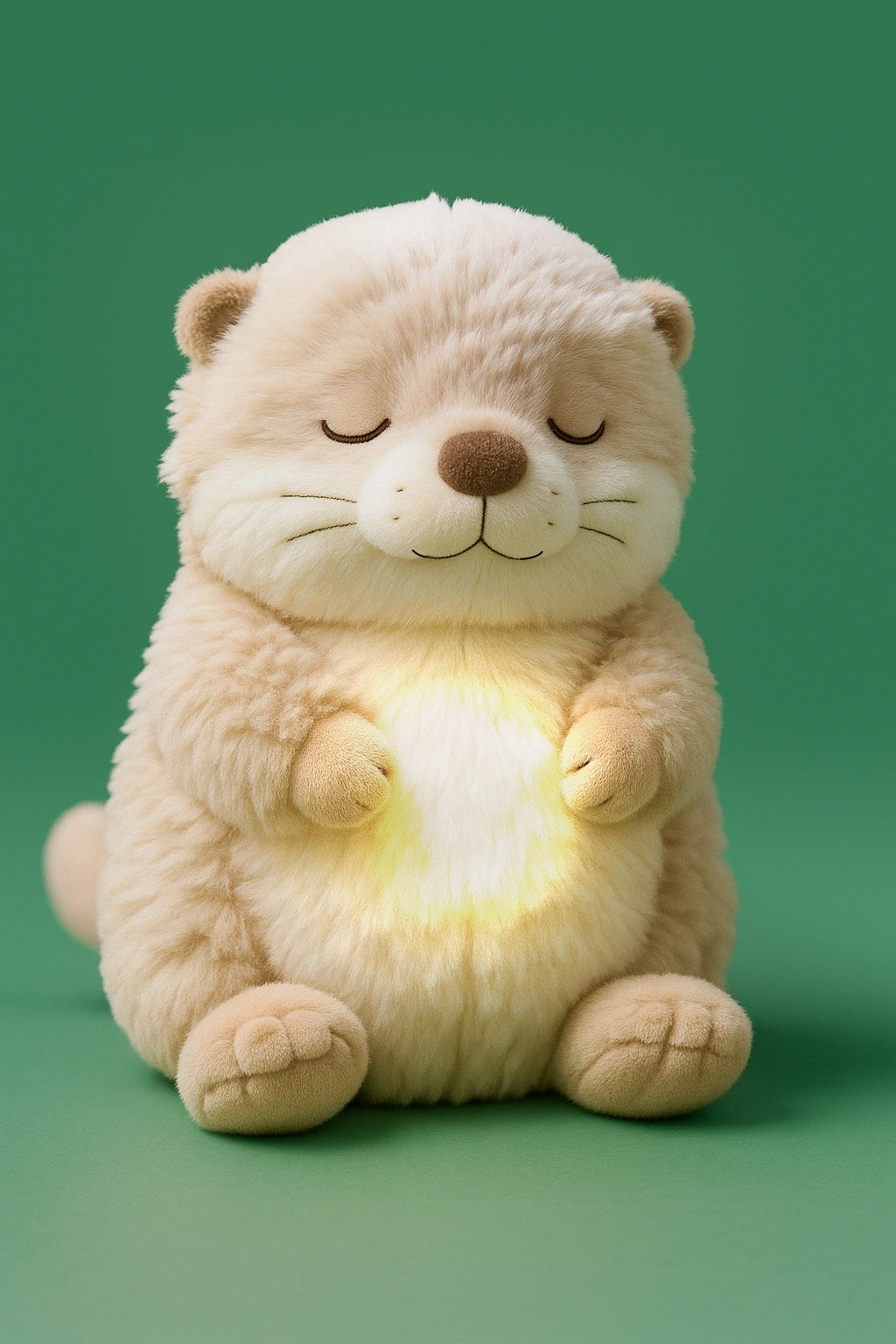
Two plush toys can contain the same electronics and feel completely different, because one reacts immediately and predictably and the other pauses, misfires or repeats. The difference is the behaviour map: what input triggers what response, how the responses are prioritised, and what happens on repeated input.
In a well-built interactive toy the map exists as a document before firmware is written. Without it, every firmware revision changes how the product feels and there is no baseline to test against.
Not every sensor is equally suited to a plush toy. The ones that survive handling share a property: they tolerate imprecision.
| Interaction | What it responds to | What to watch |
|---|---|---|
| Touch and pressure | Being stroked, squeezed or held | Sensor durability under repeated compression; false triggers from filling movement |
| Tilt and motion | Being picked up, rocked or turned | Threshold drift over time; behaviour when the toy is carried in a bag |
| Sound and voice | Being spoken to, clapping, ambient noise | Microphone placement through fabric; battery cost of continuous listening |
| Proximity | A hand approaching the face or body | Reading distance and interference from the plush surface |
| Light | Changes in ambient light | Very sensitive to placement — usually a secondary input rather than a primary one |
The plush body is not a rigid enclosure. Filling shifts, seams move and the product is compressed constantly, which means a sensor that works on a bench sample can fail intermittently in production. Placement matters as much as sensor choice.
The practical rule is to place sensors where the user naturally interacts and to build a mounting that does not depend on filling pressure. A sensor held in place by stuffing alone will behave differently after shipping than it did at the factory.
Interactive plush toys are usually battery powered, and the interaction model decides the battery size. A product that wakes on touch can sit idle for weeks; a product that listens continuously cannot.
Decide the intended use cycle before the battery: how long a session lasts, how often the product is used, and whether the battery is replaceable or rechargeable. Those three answers size the cell far more accurately than a target run time alone.
Reference library
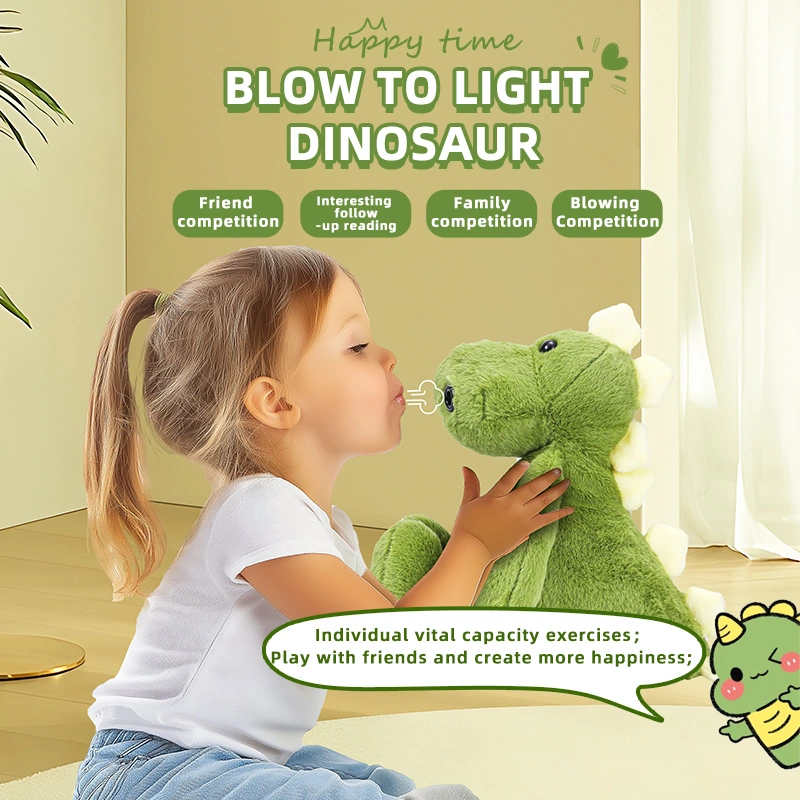
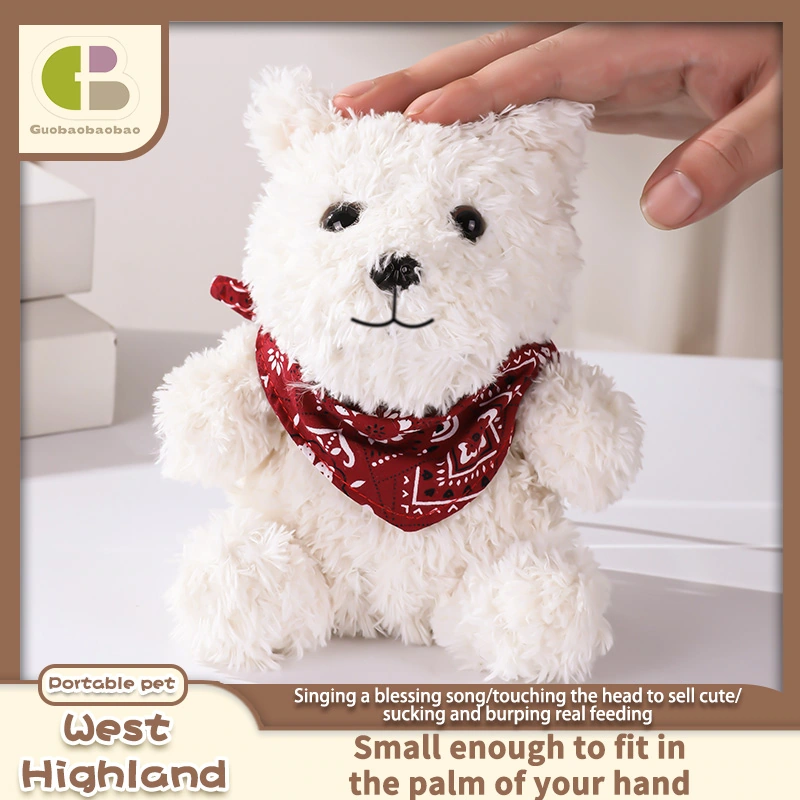
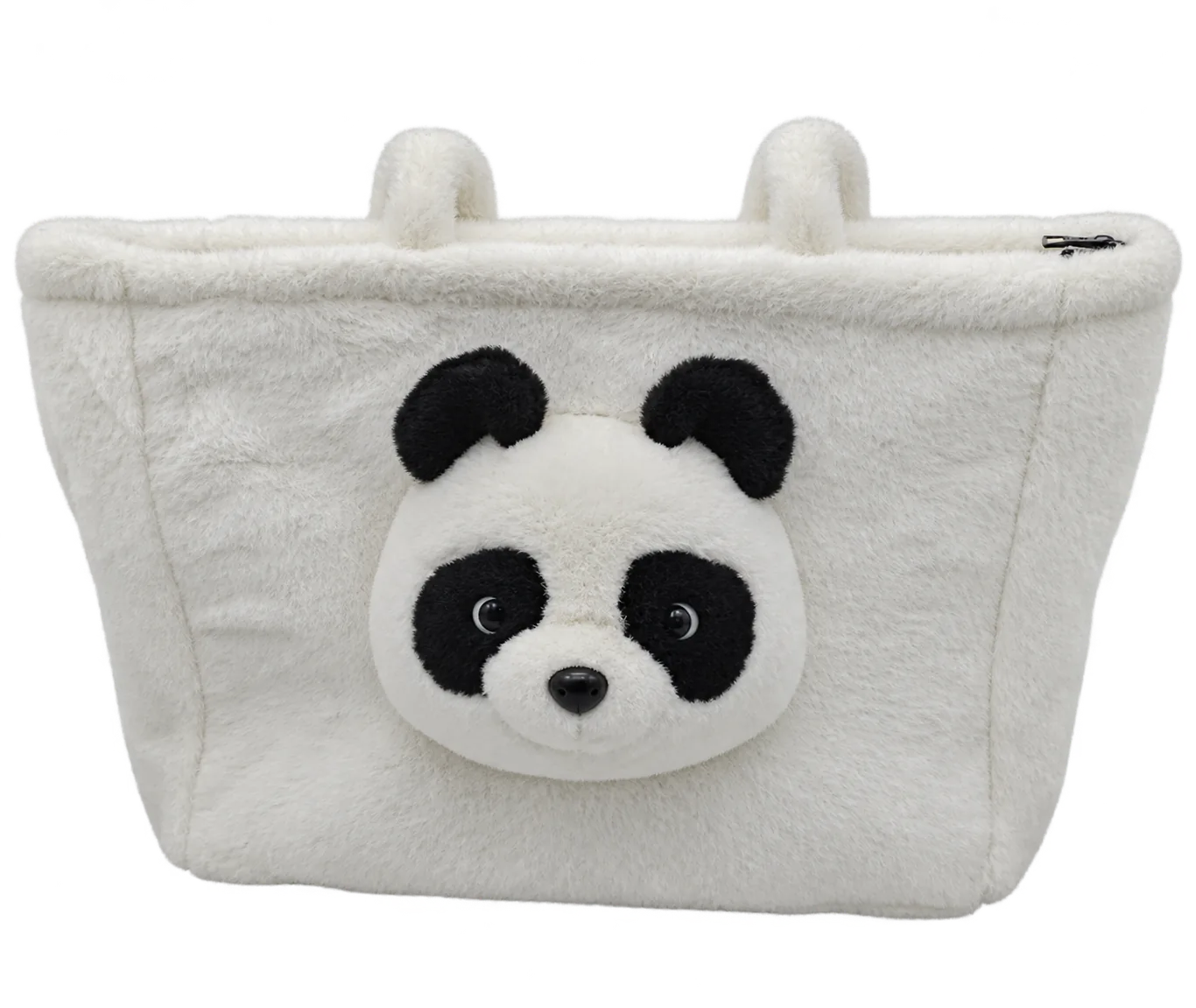
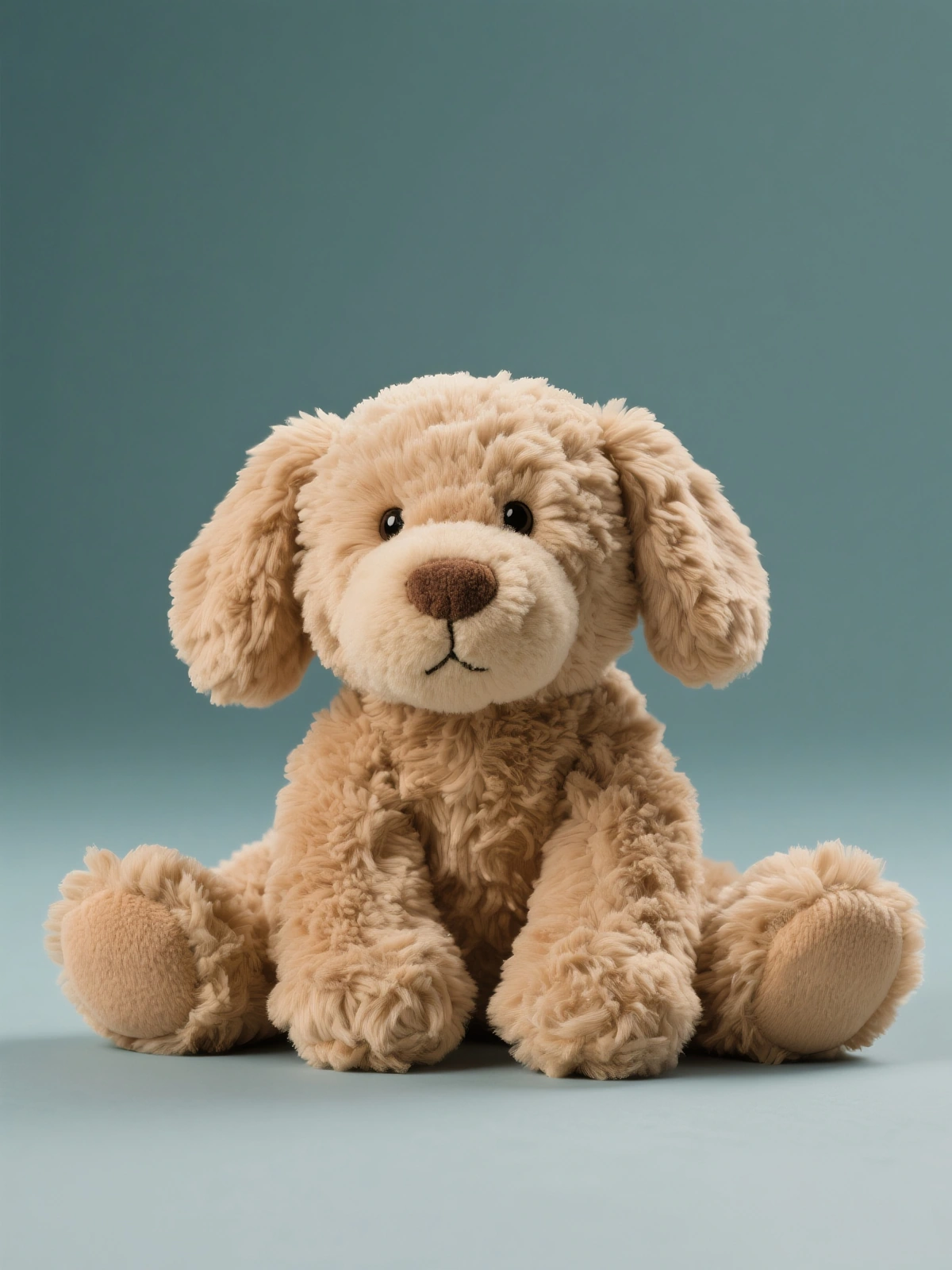
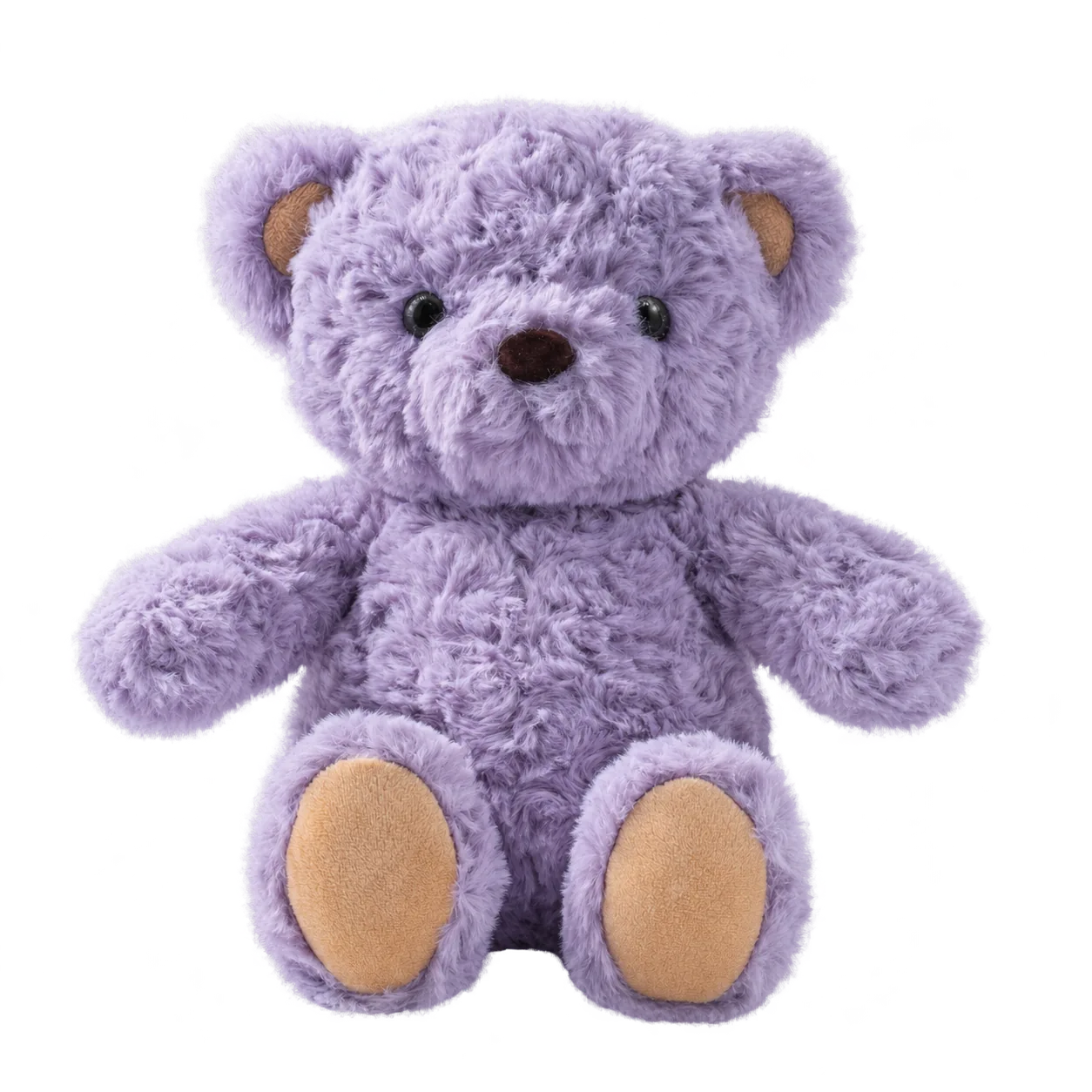
A selection of interactive and sensory plush forms, shown as reference.

Engineering detail
Most interactive plush failures trace back to one of these, not to the electronics design.
A sensor held by filling alone will drift. Mount it to structure that survives compression and shipping.
Decide early whether the battery is replaceable or sealed. The answer changes the housing, the pattern and the safety assessment.
A small, well-produced set of reactions reads better than a large, uneven one. Content volume is not the same as behaviour quality.
Interactive plush FAQ
No. Many successful interactive plush products have no app at all — the interaction is the product. An app adds firmware, support and a second product to maintain, so it should only be added if it carries real value.
Usually yes, if there is internal volume available and the pattern can be adapted. The limiting factor is normally space for the module and the battery, not the sensors.
Against the behaviour map. Each input is tested for the intended response, for repeated input and for the wrong response — a toy that giggles when it should sleep is a firmware problem, not a defect.
It depends on whether the plush pattern exists and whether the electronics platform is chosen. A brand-new body with a new platform takes longer than adapting an existing one.
Send a short brief and we will reply with the questions that actually affect cost, tooling and timing.
Start a project